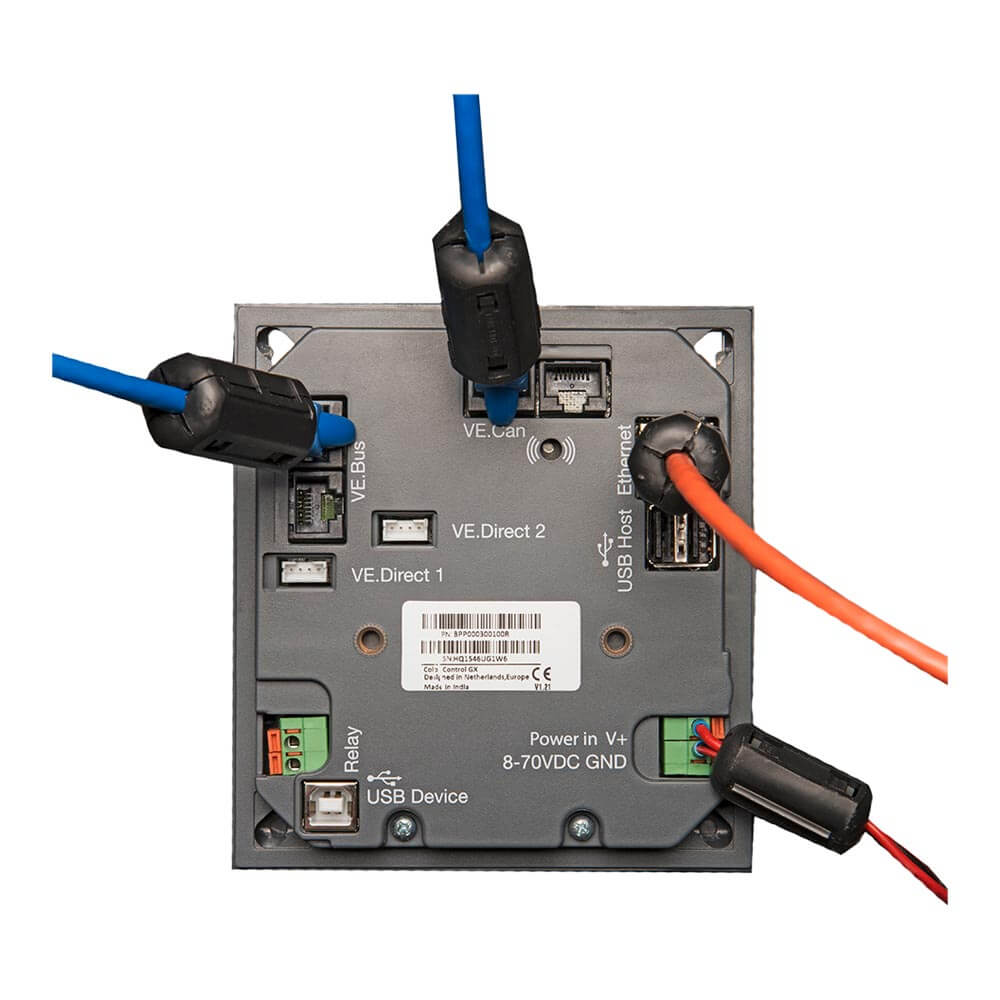


Color Control GX for displaying and configuring Victron devices
Color Control GX for displaying and configuring Victron devices
Couldn't load pickup availability
Color Control GX
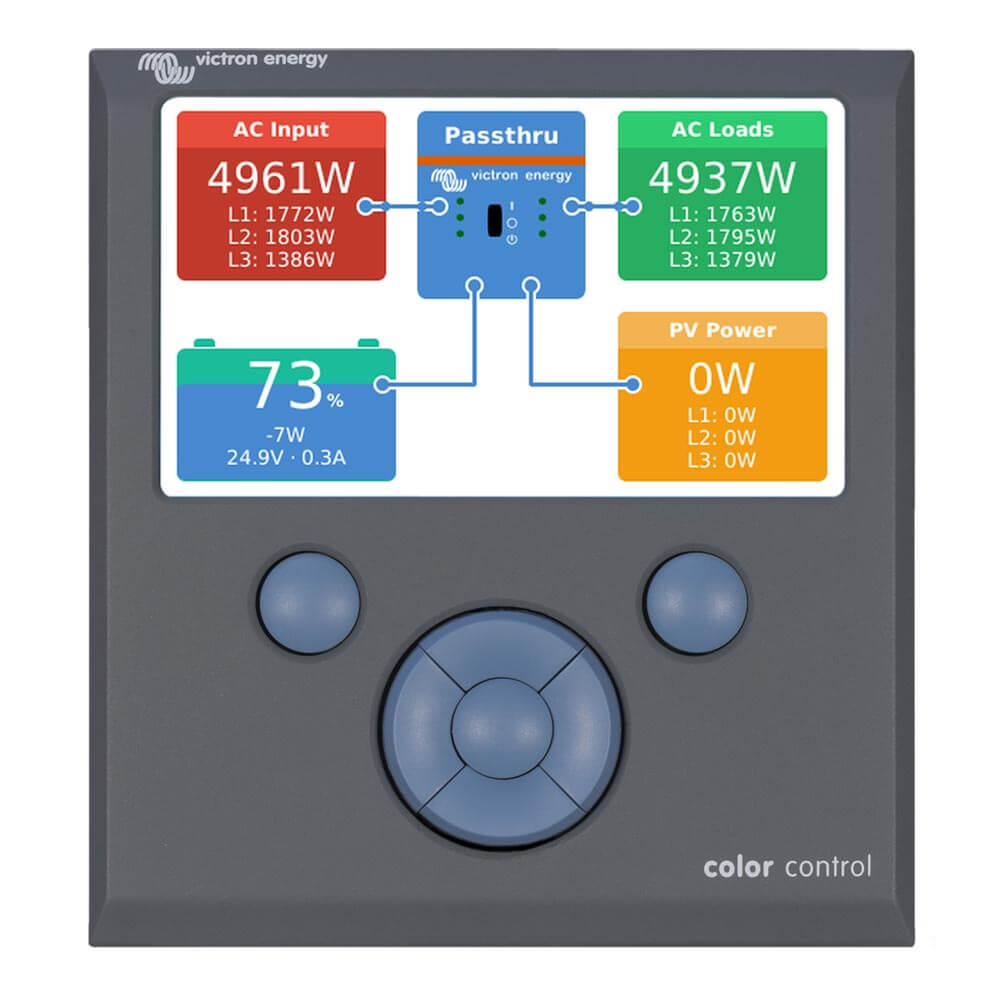
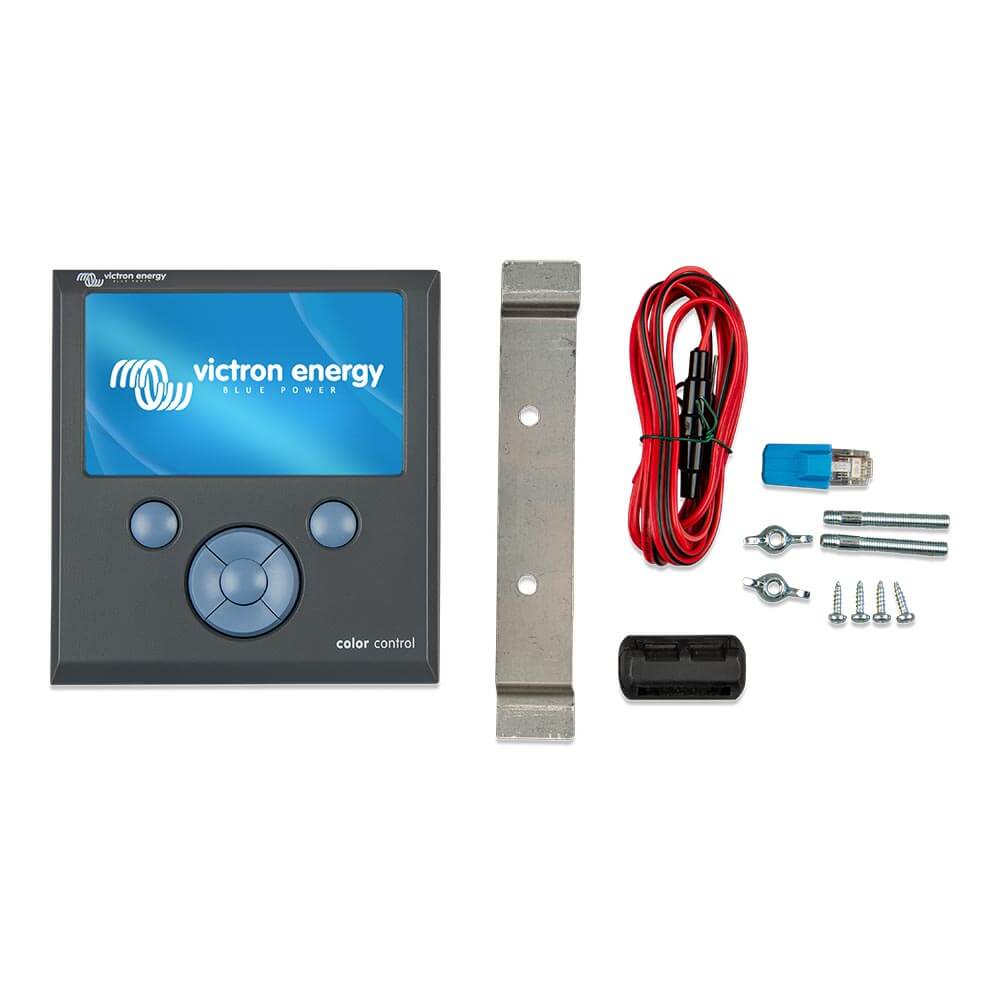
The Color Control (CCGX) offers intuitive control and monitoring of all connected devices. The list of Victron products that can be connected is almost endless: Phoenix inverters, MultiPlus, Quattros, our latest MPPT solar charge controllers, BMV-700, BMV-600 battery monitors, Lynx Ion + Shunt and other devices.
VRM Online Portal
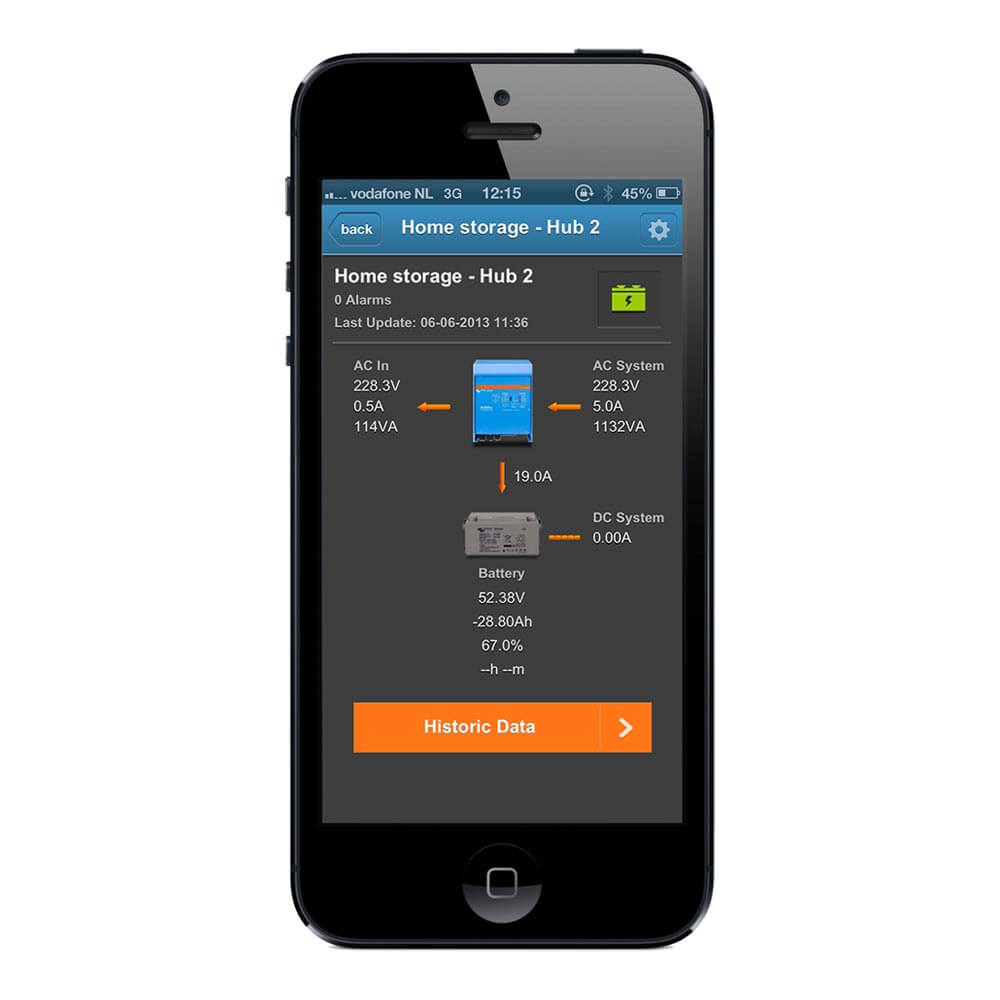
Apart from monitoring and controlling devices on the CCGX, the information is also transmitted to our free remote monitoring website: To get an idea of the VRM Online Portal, please visit the following address: https://vrm.victronenergy.com and try out the demo function. See also the screenshots further down in this datasheet.
Future Features
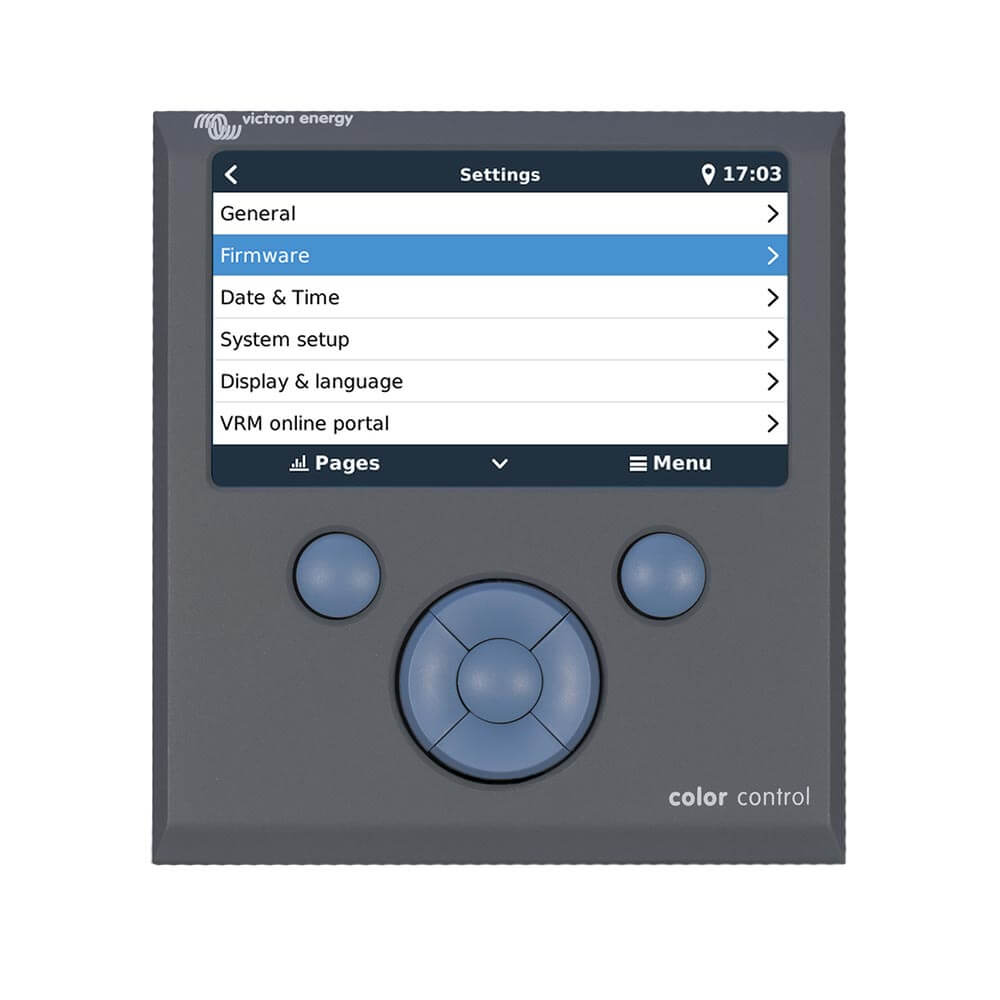
The CCGX offers infinite possibilities. It will take years to implement all our ideas and wishes. For this reason, numerous functions are not yet available. Functions marked as "Future Function" will be provided later as a firmware update. Firmware updates are free for all Victron products. Updating the product is easy: The CCGX updates itself automatically as long as it is connected to the internet. Manual updates can be done via a USB stick or a microSD card.
Supported Products
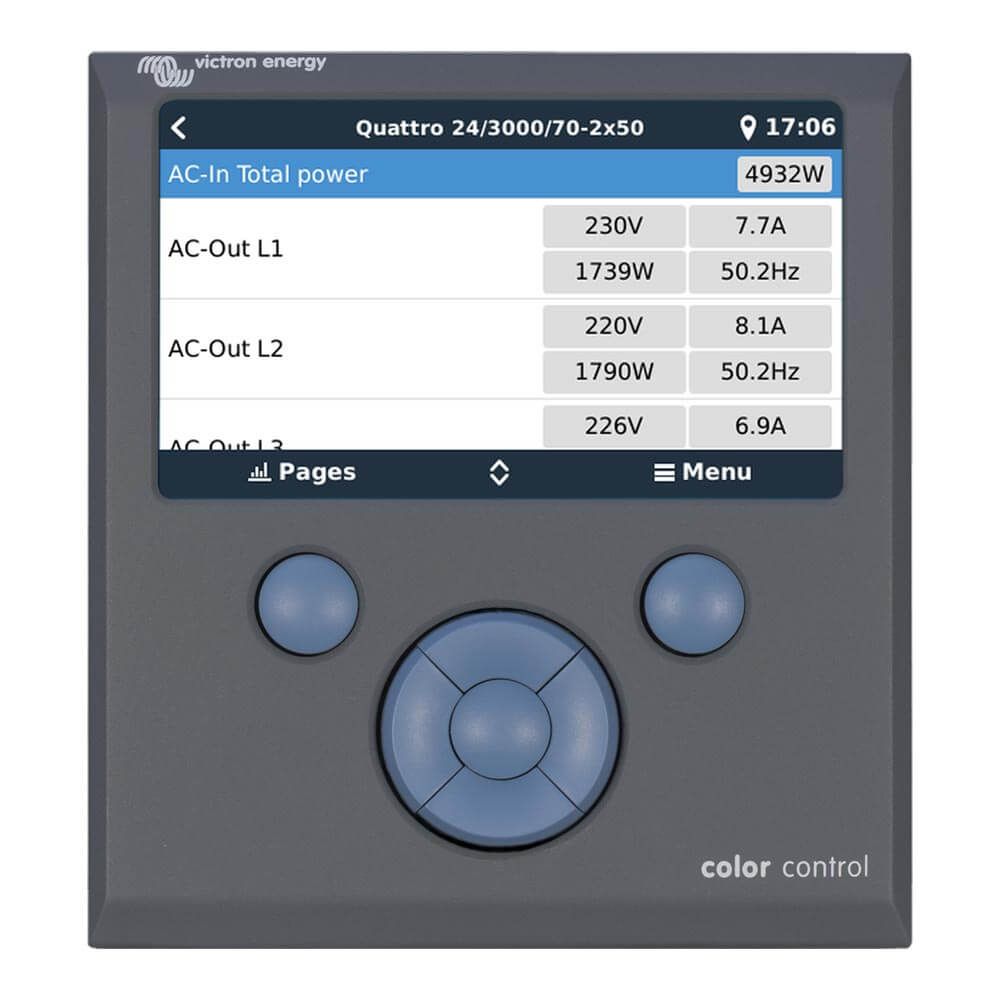
- MultisPlus and Quattros, including split-phase and three-phase systems, monitoring and control (on/off and current limiter). Changing settings is not yet available.
- BlueSolar MPPT 150/70 and MPPT 150/85. The current solar output is shown on the overview screen and all parameters are logged on the VRM Online Portal. Please note that the VRM App has a nice overview showing the data of the BlueSolar MPPT 150/70 as well. If multiple BlueSolar MPPTs are used in parallel with VE.Can, the Color Control displays all information in one. Please also refer to our blog post: Synchronizing multiple MPPT 150/70 solar chargers.
- BlueSolar MPPT solar chargers with a VE.Direct Port (70/15, 75/15, 100/15, 100/30, 75/50, 100/50, 150/35) can be connected to the VE.Direct Ports on the CCGX. Multiple can also be connected simultaneously. They then appear as a separate solar charger in the device list.
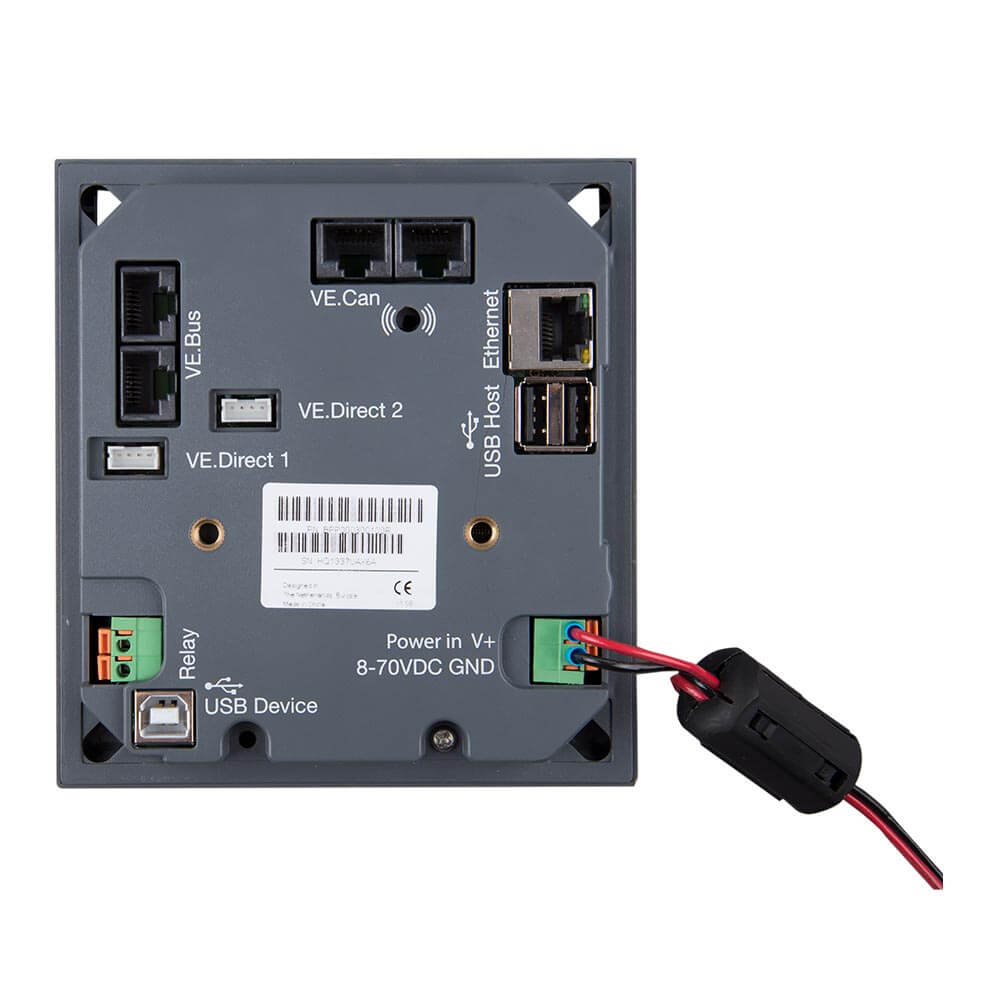
BMV-700 family devices can be connected directly to the VE.Direct Ports on the CCGX.
Use the VE.Direct cable for this. - BMV-600 family devices can be connected to the VE.Direct Ports on the CCGX.
Use the VE.Direct to BMV60xS cable for this. - Lynx Ion + Shunt
- Lynx Shunt VE.Can
- Skylla-i
- NMEA2000 Tank Sensors
- A USB GPS can be connected to the USB port. The display will then show location and speed. The data is then sent to the VRM portal for tracking purposes. The map on the VRM will then show the most current position.
- WiFi USB
Please note that there are other options for products that use the VE.Direct ports. These include, for example, BMVs and small MPPTs. They can also be connected via the USB port. This is useful if you want to connect more than two products. Use a standard USB hub and the VE.Direct to USB interface, ASS030530000.
Further Highlights
- If the CCGX is connected to the Internet, it updates itself automatically as soon as a new software version is available.
- Various languages: English, Chinese, German, Italian, Spanish, French, Swedish and Dutch.
- Use the CCGX as a Modbus-TCP Gateway to all connected Victron products.
Please refer to our Modbus-TCP FAQ for additional information.
Notes for users of existing VGR2 and VER
- Unlike the Victron Global Remote 2 (VGR2) and the Victron Ethernet Remote (VER), the CCGX stores all data locally in the event of network interruptions. As soon as the connection to the VRM Online Portal is restored, all delayed data is automatically sent to the portal. The data can then be analysed at https://vrm.victronenergy.com.
- Remote VEConfigure is currently not yet supported by the CCGX. This function is expected in the first quarter of 2015. It will then be even better than the VGR2 and VER: it will include support for changing assistants and their settings.
- The local website, as it exists on the VER, is currently not yet supported.
- The CCGX does not have an internal GPRS modem: you cannot insert a SIM card into the CCGX. Instead, use a standard GPRS or 3G router. Please refer to the blog post about 3G routers.
Further Information
For installation assistance, please refer to the Color Control GX Manual
Scope of delivery:
- Color Control GX for displaying and configuring Victron devices
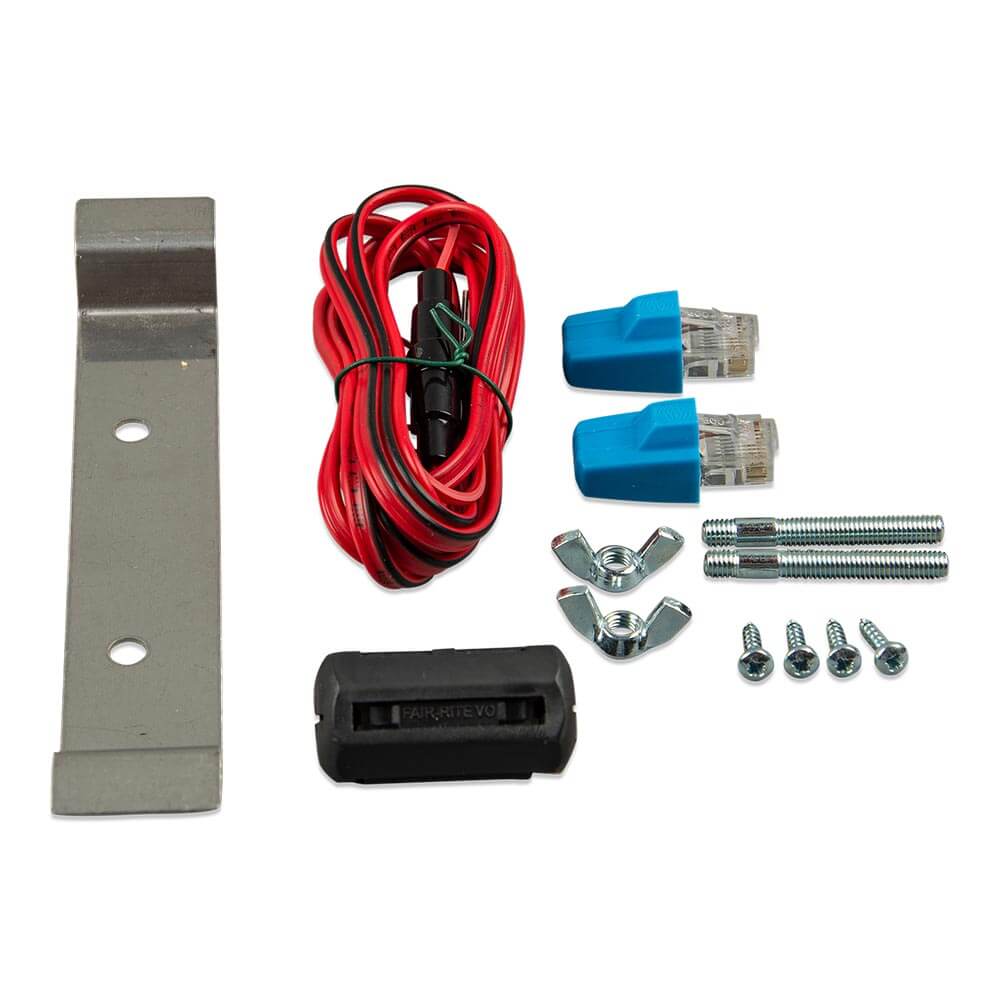
- Connection accessories
Versandinfos
Bitte beachte, dass einige unserer Produkte außergewöhnlich groß, schwer oder zerbrechlich sind. Abhängig von den Versandanforderungen nutzen wir Sperrgut- oder auch Speditionsversand sowie unterschiedliche Versanddienstleister. In Kombination mit der Versandversicherung können hierdurch höhere Versandkosten entstehen. Bei Fragen zum Versand, nimm gerne Kontakt zu uns auf.
Technical Data
Technical Data
SKU:14590
Share